

Studiebureau Jonckheere:one platform for files and mail.
Studiebureau Jonckheere designs infrastructure, public space and water projects for governments in Flanders. Colleagues in Leuven and Hasselt reached its old custom software over remote desktop. We replaced it with Feniks: one web platform where every file, mail, contact and price request comes together, and Feniks proposes the right file for every incoming mail.
About the client.
- Client
- Jonckheere
- Where
- Brugge, Leuven and Hasselt
- Since
- 1958
- Sector
- Construction
An independent, family run engineering office for infrastructure, public space, water management and mobility, working for governments and public partners in Flanders. It works together with Ontwerpbureau Pauwels, and both now share Feniks.
Source: studiebureaujonckheere.be ↗What we did
We mapped the work with a clickable prototype, a full map of the incoming and outgoing mail flows and user stories. Then we built Feniks on Awen, our own framework, connected it to Outlook, SharePoint, Venice and the Microsoft login, and migrated the data from the old system with a conversion we could run and check as often as needed before go live.
Before: the challenge.
Studiebureau Jonckheere ran on custom software and a separate planning tool built years ago. Colleagues in Leuven and Hasselt logged in over remote desktop to a server in Brugge, which made every action slow. Information about a file was spread over mailboxes and folders and was searched per organisation rather than per person. Access rights were coarse, and connecting modern tools such as Outlook, SharePoint or the accounting package was complex and risky.
How it worked before
Step 1
Remote login to the server in Brugge
Step 2
Mail in shared and personal inboxes
Step 3
Filed in the right file by hand
Step 4
Searched per organisation
Step 5
Answer to the client
Feniks, and what it does.
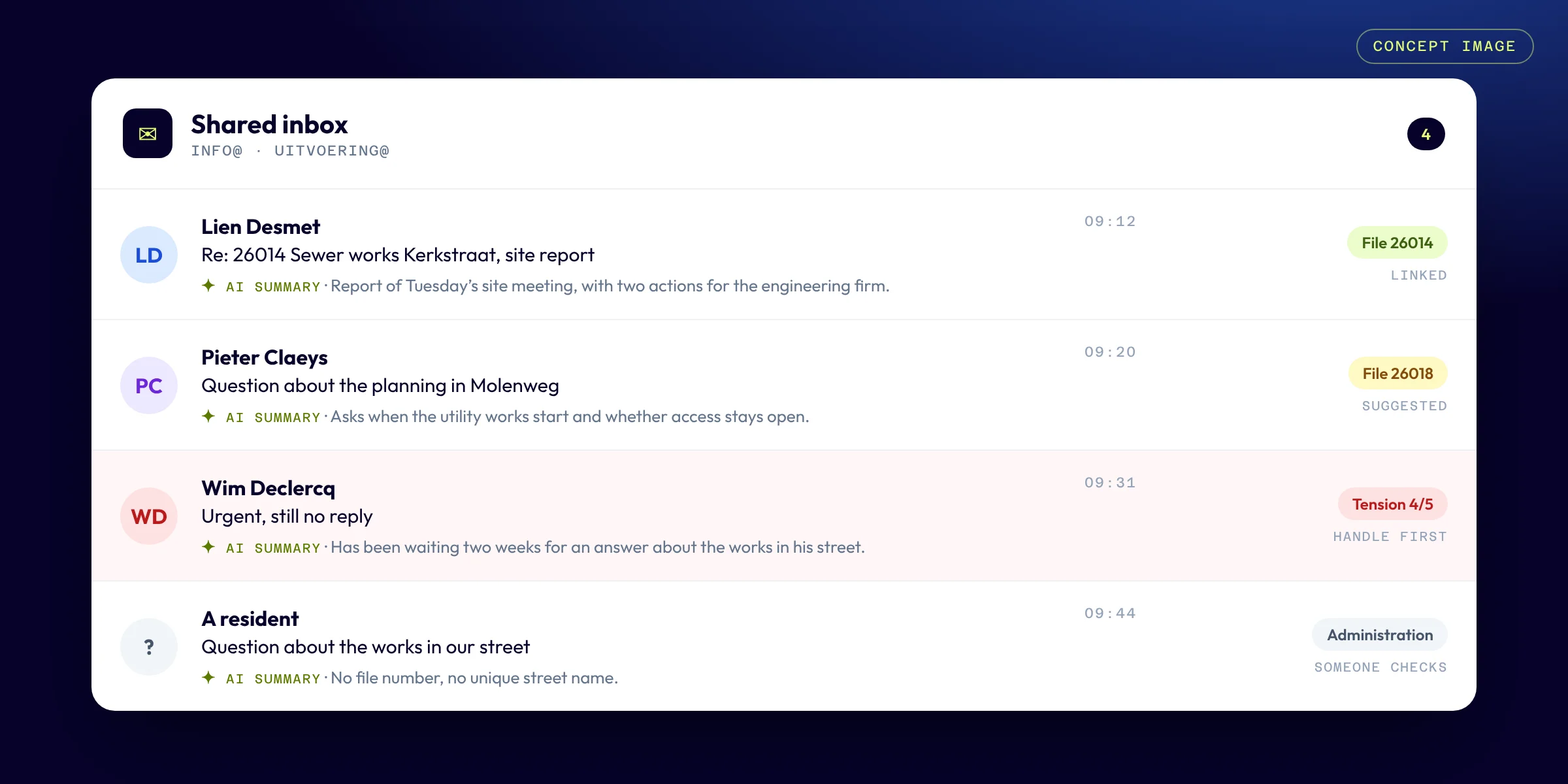
- ✓A central inbox for info@ and uitvoering@. Feniks recognises the file from the file number, an external reference from a city, Aquafin or Fluvius, or a unique street name, and proposes the link
- ✓No guessing: a person confirms every link. When the match is not unique, the mail goes to the administration, who pick the right file themselves
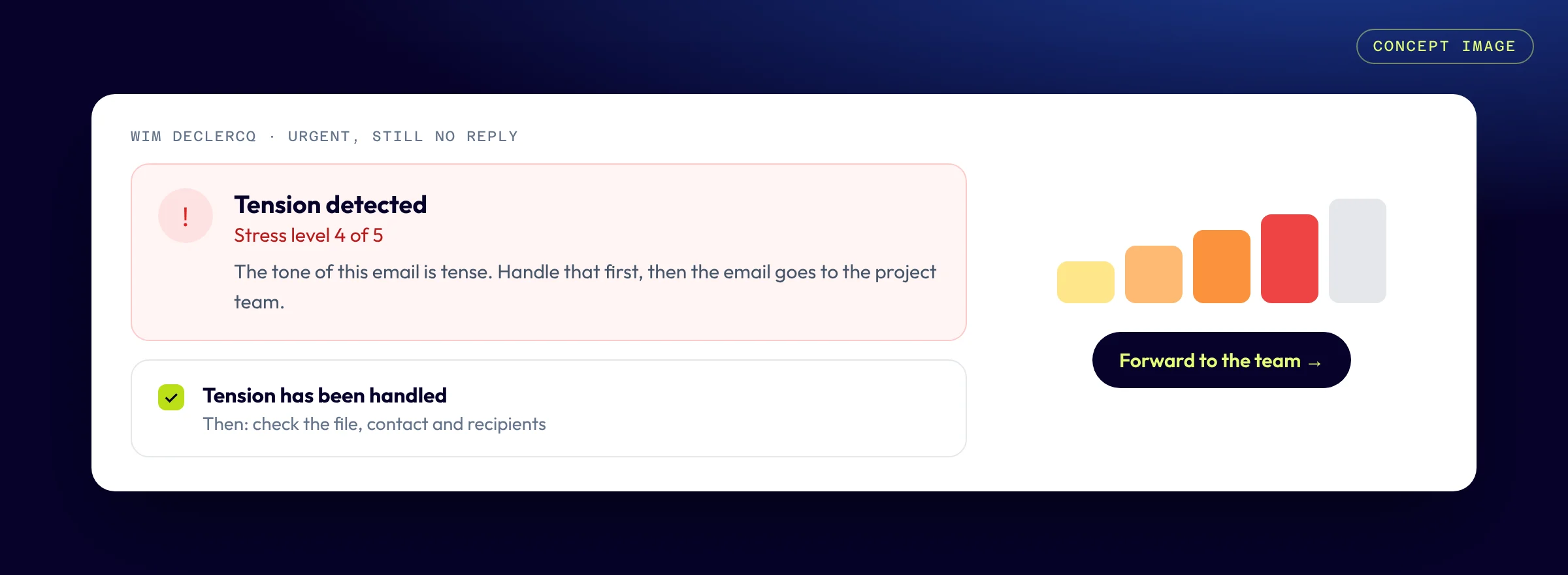
- ✓A tension indicator and an AI summary on every mail, also visible in Outlook through a plugin
- ✓Mail sent from a file gets the right recipients and the file number in the subject, so replies come back to that file by themselves
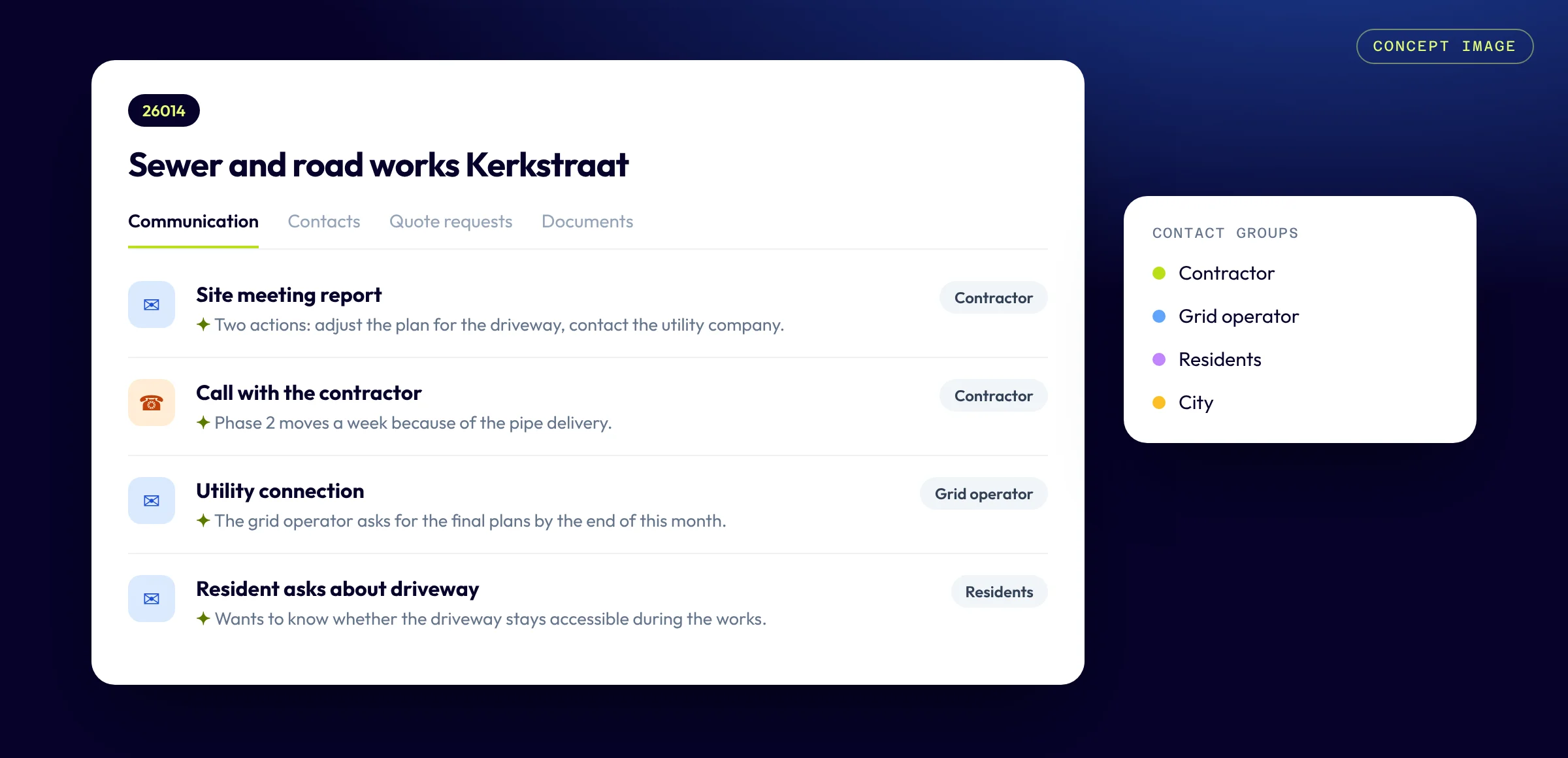
- ✓Every file in one place: communication, contacts per person with their role, linked files and documents in a fixed SharePoint folder structure
- ✓Price requests to contractors selected by keyword, sent in BCC, followed up and awarded in the file
- ✓Invoices from the accounting package Venice per file, with a warning when one is overdue
- ✓Login with the Microsoft account and rights per role, so billing and quotes are only visible to who needs them
Feniks in daily use.
Concept images of how Feniks works, with fictive sample data. The real application stays with Studiebureau Jonckheere.
How it went
Early 2026
Analysis: a clickable prototype, every mail flow mapped and user stories as the reference
Spring 2026
Built in short cycles, with demos and feedback from key users
Summer 2026
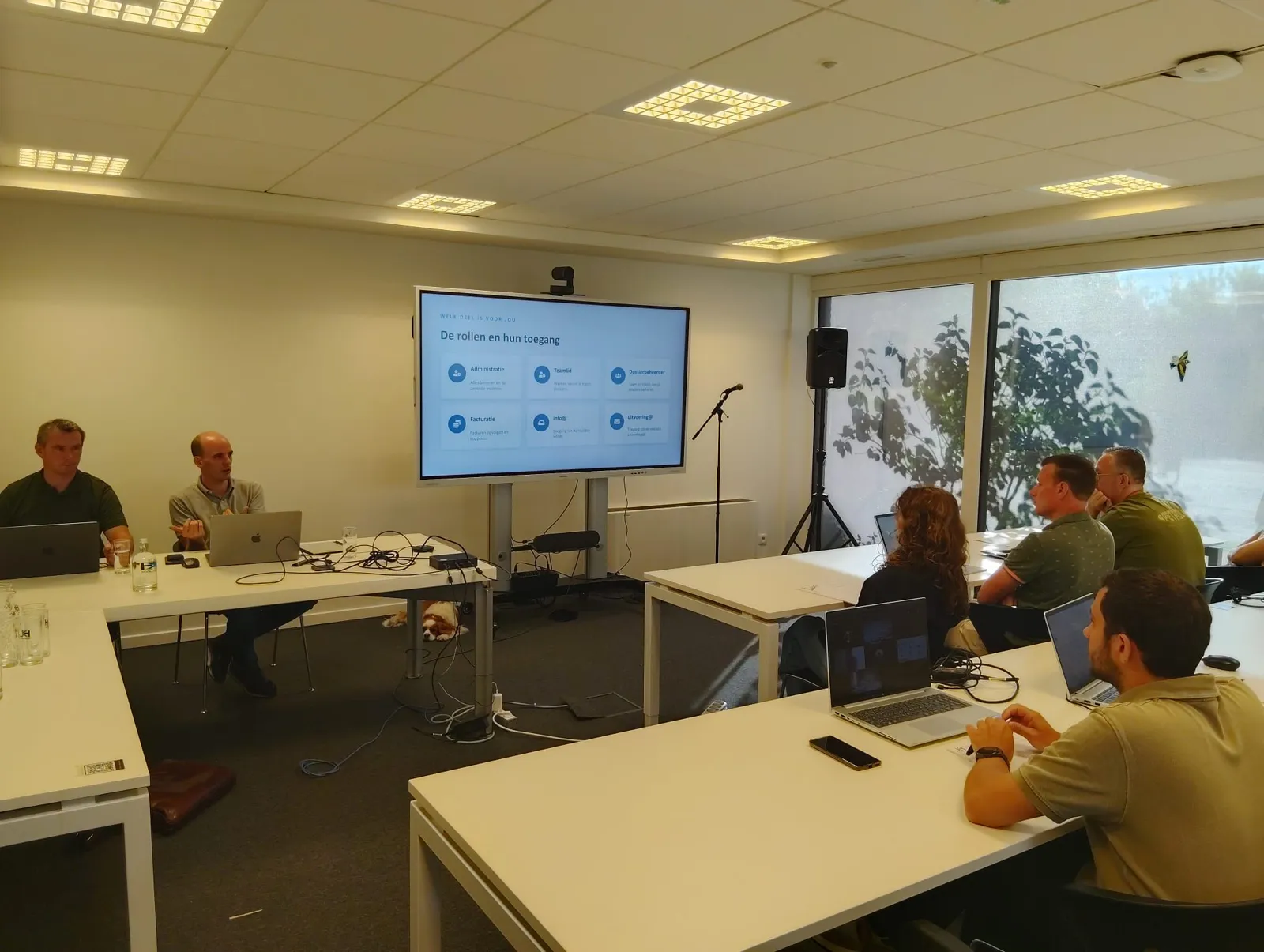
Training for administration and key users, test migrations with real data and manuals per role
After the construction holiday 2026
Feniks in use in Brugge, Leuven and Hasselt
End of September 2026
Official handover of Feniks
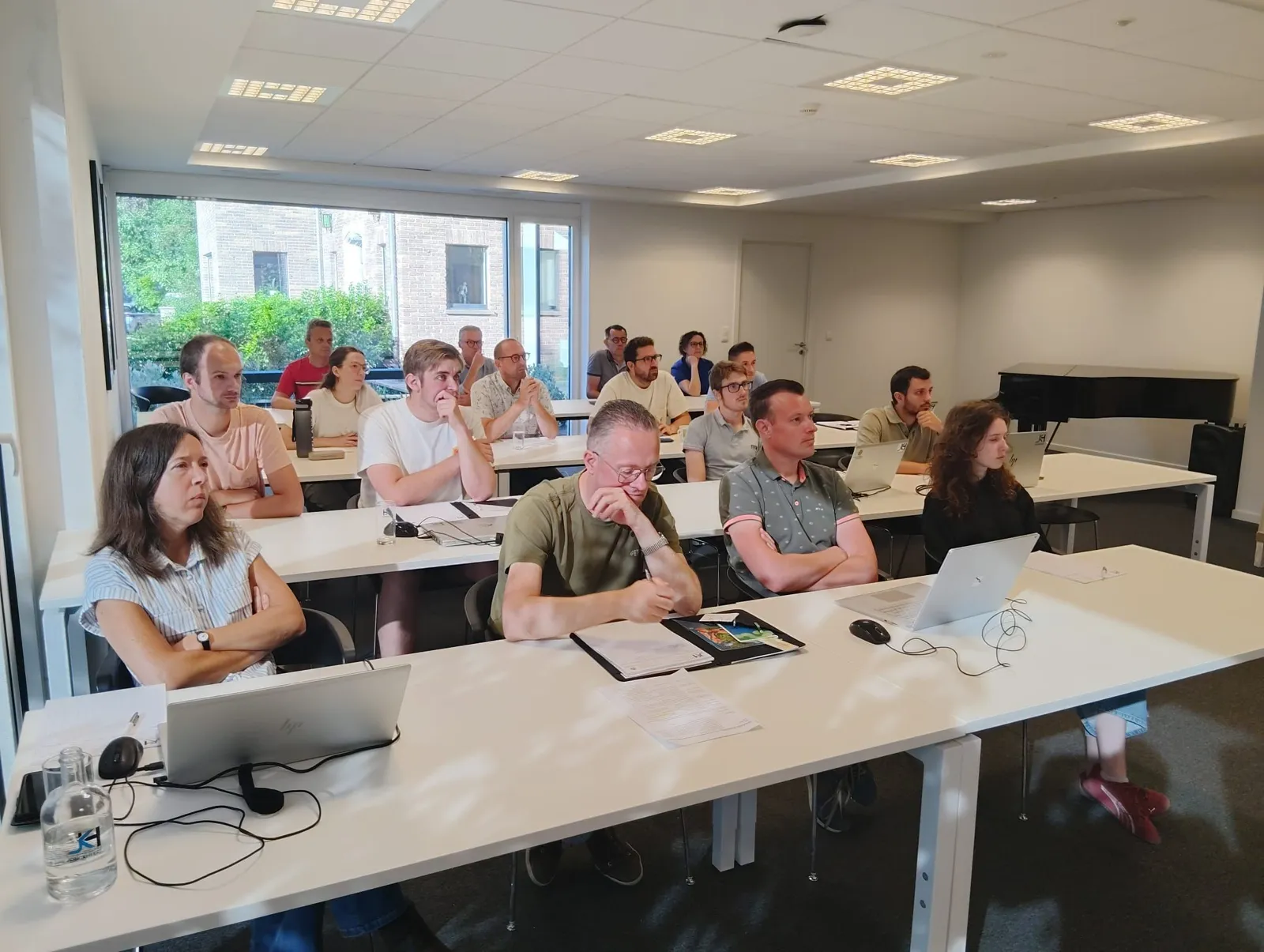
Training and launch: together with the key users.
Before Feniks went into use, the administrative staff and key users of Studiebureau Jonckheere were trained. We went through what each role sees and does: administration, team members, file managers, invoicing and the shared mailboxes info@ and uitvoering@.
After that came the final optimisations and the migration preparations, so the team could start with Feniks after the construction holiday.
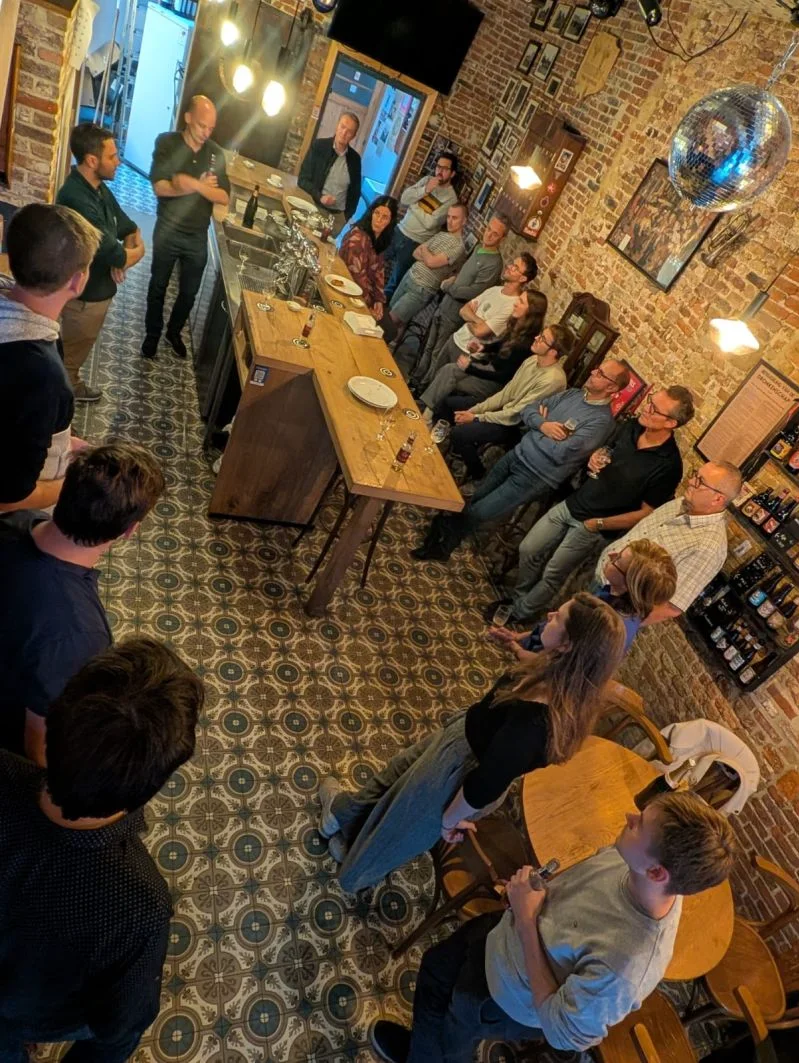
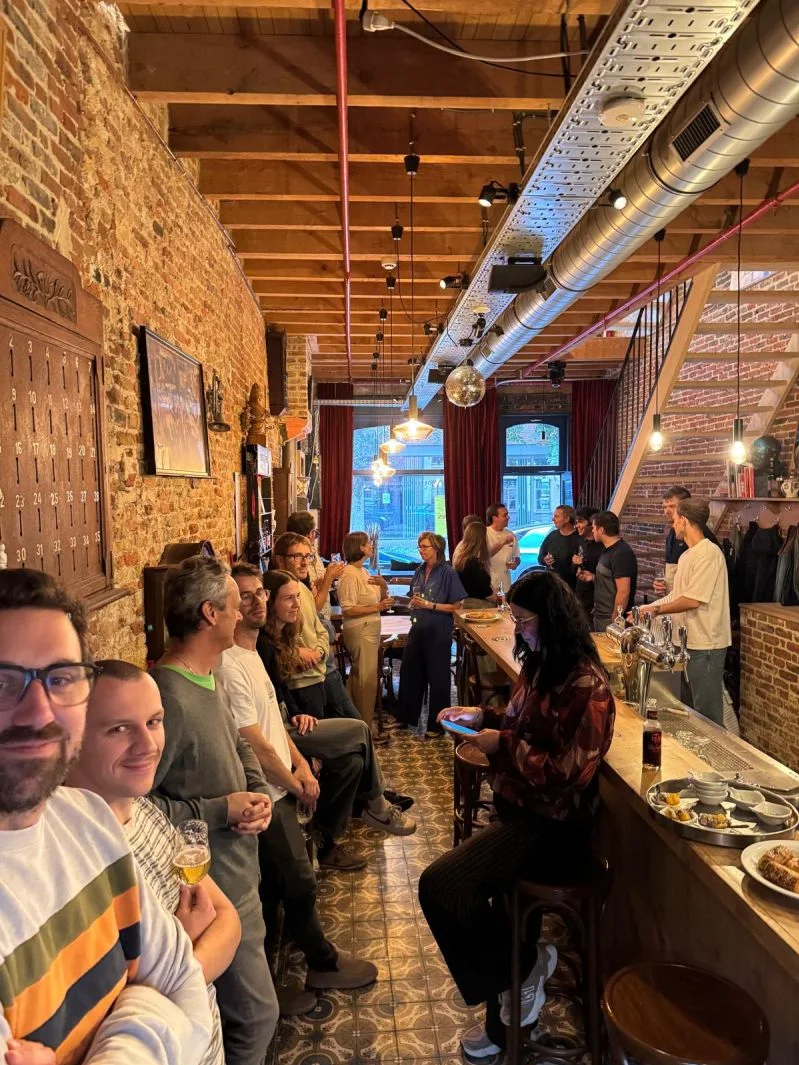
The handover: a smooth transition.
Feniks was officially handed over at the end of September 2026. By then the team had been using it every day since the construction holiday, in Brugge, Leuven and Hasselt.
“We can look back on a remarkably smooth transition, in which the migration also went exceptionally well.”
What we learned
Better no link than a wrong one. Feniks proposes, a person decides. A wrong link costs more trust than a confirmation costs time.
What stands out most is the pleasant collaboration: short lines of communication, a pragmatic approach and a shared focus on a successful launch.
What's next
Next is asking questions about files in plain language. A secure connection to Feniks (an MCP server) lets Microsoft Copilot search files and mails within each person's rights. The mailbox of Ontwerpbureau Pauwels joins the central mail flow, and older mails become available in Outlook as the archive migration continues.
Curious what AI
could do for you?
Tell us what costs your team the most time. We show where AI and software make the biggest difference, and tell you honestly whether we can help.